|
1
|
- LA C#, SIG of LAFox.org
- August 6, 2002
|
|
2
|
- Various base classes will be described Examples showing use and
performance of these classes will be presented
- Code examples and this presentation are posted on the web page http://www.vi-i.com/talks
and on the web site http://www.lacsharp.org.
|
|
3
|
- All classes are subclasses of System.Object
- Methods of System.Object
- ToString – string representation (for output display); by default the
name of the object
- GetHashCode – gets a hash code so object can be looked up in a
dictionary (integer value)
- Equals – returns .T. if current object’s “value” matches value object;
used to find objects in collections
- ReferenceEquals – returns .T. if object is the same as argument object
(exactly the same object; not just the same value)
- GetType – returns the type of the object in System.Type
- MemberwiseClone – copies to another object all data values
|
|
4
|
- Basic String Methods:
- int.CompareTo(string2) [uses locale to distinguish chars]
- int=string1.CompareOrdinal(string2) [no locale used]
- int=string1.IndexOf(char), int=string1.IndexOf(substring)
- int=string1.IndexOfAny(char[])
- int=string1.LastIndexOf(char), int=string1.LastIndexOf(substring)
- int=string1.LastIndexOfAny(char[])
- string=string1.PadLeft(int), string=string1.PadLeft(int,char)
- string=string1.PadRight(int), string=string1.PadRight(int,char)
- string=string1.Replace(substring1,substring2)
- string[]=string1.Split(char) – split where char occurs into substrings
- string=string1.Substring(int offset,int length) [offset=0,1,…]
- string=string1.ToLower(), string=string1.ToUpper(),
string=string1.Trim()
|
|
5
|
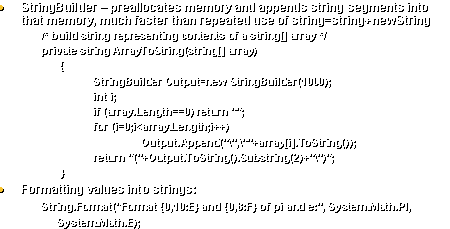
- StringBuilder – preallocates memory and appends string segments into
that memory, much faster than repeated use of string=string+newString
- /* build string representing contents of a string[] array */
- private string ArrayToString(string[] array)
- {
- StringBuilder Output=new StringBuilder(1000);
- int i;
- if (array.Length==0) return "";
- for (i=0;i<array.Length;i++)
- Output.Append("\",\""+array[i].ToString());
- return
"("+Output.ToString().Substring(2)+"\")";
- }
- Formatting values into strings:
- String.Format("Format {0,10:E} and {0,8:F} of pi and e:",
System.Math.PI,
- System.Math.E);
|
|
6
|
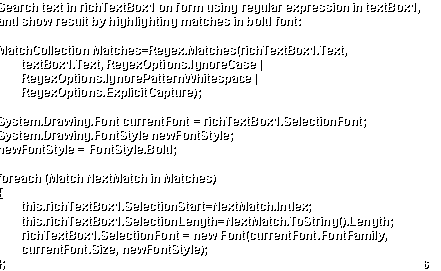
- Search text in richTextBox1 on form using regular expression in
textBox1,
- and show result by highlighting matches in bold font:
- MatchCollection Matches=Regex.Matches(richTextBox1.Text,
- textBox1.Text, RegexOptions.IgnoreCase |
- RegexOptions.IgnorePatternWhitespace |
- RegexOptions.ExplicitCapture);
- System.Drawing.Font currentFont = richTextBox1.SelectionFont;
- System.Drawing.FontStyle newFontStyle;
- newFontStyle = FontStyle.Bold;
- foreach (Match NextMatch in Matches)
- {
- this.richTextBox1.SelectionStart=NextMatch.Index;
- this.richTextBox1.SelectionLength=NextMatch.ToString().Length;
- richTextBox1.SelectionFont = new Font(currentFont.FontFamily,
- currentFont.Size, newFontStyle);
- };
|
|
7
|
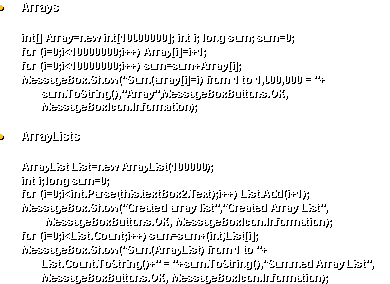
- Arrays
- int[] Array=new int[10000000]; int i; long sum; sum=0;
- for (i=0;i<10000000;i++) Array[i]=i+1;
- for (i=0;i<10000000;i++) sum=sum+Array[i];
- MessageBox.Show("Sum(array[i]=i) from 1 to 1,000,000 = "+
- sum.ToString(),"Array",MessageBoxButtons.OK,
- MessageBoxIcon.Information);
- ArrayLists
- ArrayList List=new ArrayList(100000);
- int i; long sum=0;
- for (i=0;i<int.Parse(this.textBox2.Text);i++) List.Add(i+1);
- MessageBox.Show("Created array list","Created Array
List",
- MessageBoxButtons.OK, MessageBoxIcon.Information);
- for (i=0;i<List.Count;i++) sum=sum+(int)List[i];
- MessageBox.Show("Sum(ArrayList) from 1 to "+
- List.Count.ToString()+" = "+sum.ToString(),"Summed
Array List",
- MessageBoxButtons.OK, MessageBoxIcon.Information);
|
|
8
|
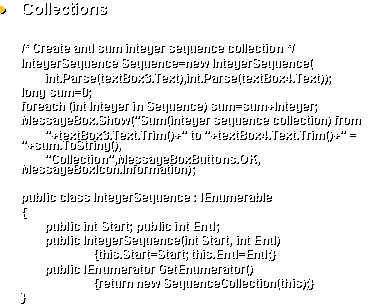
- Collections
- /* Create and sum integer sequence collection */
- IntegerSequence Sequence=new IntegerSequence(
- int.Parse(textBox3.Text),int.Parse(textBox4.Text));
- long sum=0;
- foreach (int Integer in Sequence) sum=sum+Integer;
- MessageBox.Show("Sum(integer sequence collection) from
- "+textBox3.Text.Trim()+" to
"+textBox4.Text.Trim()+" = "+sum.ToString(),
- "Collection",MessageBoxButtons.OK,
MessageBoxIcon.Information);
- public class IntegerSequence : IEnumerable
- {
- public int Start; public int End;
- public IntegerSequence(int Start, int End)
- {this.Start=Start; this.End=End;}
- public IEnumerator GetEnumerator()
- {return new SequenceCollection(this);}
- }
|
|
9
|
- public class SequenceCollection : IEnumerator
- {
- IntegerSequence sequence; int index;
- public SequenceCollection(IntegerSequence Sequence)
- {sequence=Sequence; index=sequence.Start-1;}
- public bool MoveNext()
- {++index; return (index>sequence.End)?false:true;}
- public object Current{
- get{
- if (index<sequence.Start |
index>sequence.End)
- throw new
InvalidOperationException(
- "The selected
IntegerSequence object is out of range");
- return index;}
- }
- public void Reset() {index=sequence.Start-1;}
- }
|
|
10
|
- Dictionaries
- /* Create dictionary of squares and look up and sum entries */
- Hashtable Dictionary=new Hashtable(31);
- long i;
- long sum=0;
- int m=int.Parse(this.textBox5.Text);
- int n=int.Parse(this.textBox6.Text);
- for (i=m;i<=n;i++) Dictionary.Add(i,(i*i));
- MessageBox.Show("Created dictionary","Created
Dictionary",
- MessageBoxButtons.OK,MessageBoxIcon.Information);
- for (i=m;i<=n;i++) sum=sum+(long)Dictionary[i];
- MessageBox.Show("Sum(dictionary entry = n*n) from
"+m.ToString()+
- " to "+n.ToString()+" =
"+sum.ToString(),"Summed Dictionary",
- MessageBoxButtons.OK, MessageBoxIcon.Information);
|
|
11
|
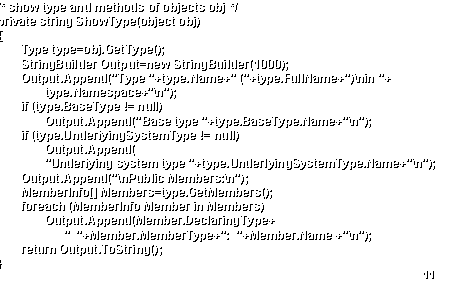
- /* show type and methods of objects obj */
- private string ShowType(object obj)
- {
- Type type=obj.GetType();
- StringBuilder Output=new StringBuilder(1000);
- Output.Append("Type "+type.Name+"
("+type.FullName+")\nin "+
- type.Namespace+"\n");
- if (type.BaseType != null)
- Output.Append("Base type
"+type.BaseType.Name+"\n");
- if (type.UnderlyingSystemType != null)
- Output.Append(
- "Underlying system type
"+type.UnderlyingSystemType.Name+"\n");
- Output.Append("\nPublic Members:\n");
- MemberInfo[] Members=type.GetMembers();
- foreach (MemberInfo Member in Members)
- Output.Append(Member.DeclaringType+
- " "+Member.MemberType+": "+Member.Name +"\n");
- return Output.ToString();
- }
|
|
12
|
- One can also create custom attributes that can be assigned to blocks of
code, and methods that will display these attributes (e.g., author, date
of last change, version number)
|
|
13
|
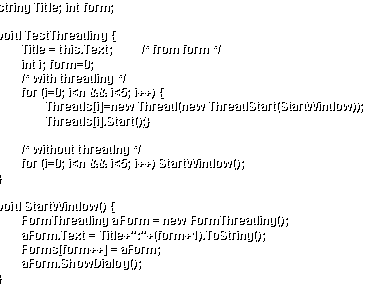
- string Title; int form;
- void TestThreading {
- Title = this.Text; /* from form */
- int i; form=0;
- /* with threading */
- for (i=0; i<n && i<5; i++) {
- Threads[i]=new Thread(new ThreadStart(StartWindow));
- Threads[i].Start();}
- /* without threadng */
- for (i=0; i<n && i<5; i++) StartWindow();
- }
- void StartWindow() {
- FormThreading aForm = new FormThreading();
- aForm.Text = Title+":"+(form+1).ToString();
- Forms[form++] = aForm;
- aForm.ShowDialog();
- }
|
|
14
|
- 1,000,000 string concatenations
- C#: 190 seconds
- C# with StringBuilder: 0.3 seconds
- VFP: 3 seconds
- ASP 2.0 (not ASP.NET): 7 seconds
- Sum i (i=1 to 1,000,000)
- C# array: 0.1 seconds (numbers stored)
- C# array list: 15 seconds (numbers stored)
- C# collection: 0.1 seconds (numbers generated by method calls)
- C# dictionary: 4 seconds (numbers stored)
- VFP code: 1.2 seconds (calculation; nothing stored)
- VFP build cursor and sum it: 4.5 seconds (numbers stored)
|

 Notes
Notes